Raycast Review 2026: The AI-Powered Mac Launcher That Replaces Spotlight
(更新: )
Raycast is a free Mac app launcher that replaces Spotlight with a fast, extensible command palette — and adds optional AI features for users who want them. It is macOS-only and available at no cost for the core feature set, with a Pro plan that unlocks AI Chat and AI Commands.
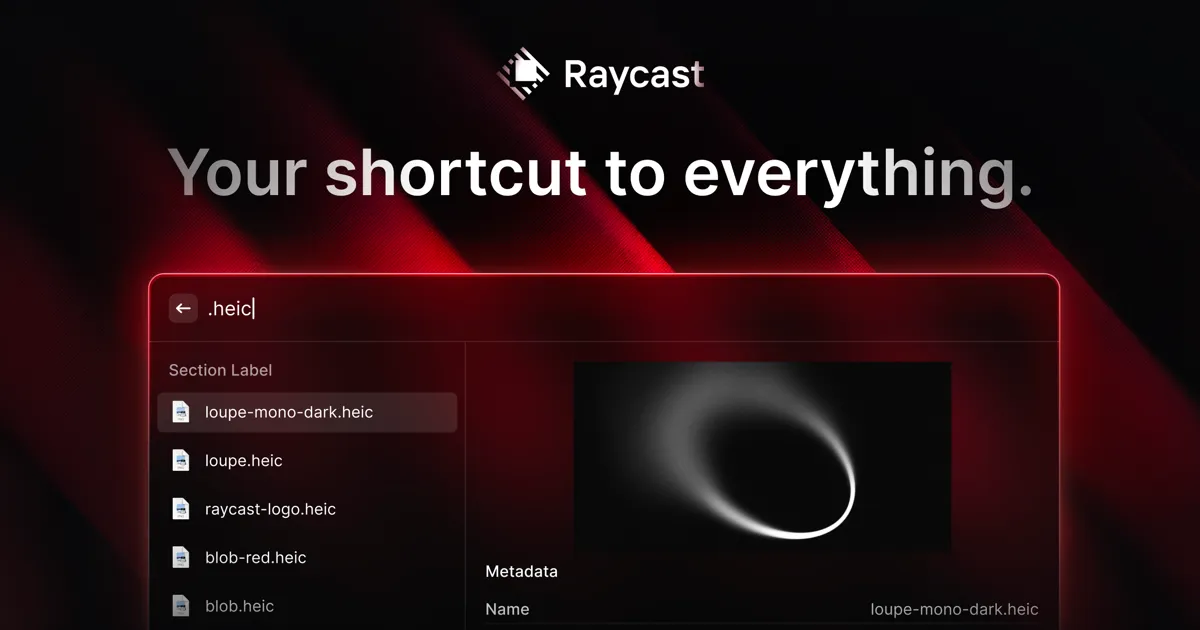
Source: Raycast official site (raycast.com)
What Is Raycast?
Raycast is a productivity app for macOS that replaces the built-in Spotlight launcher with a more capable command palette. You invoke it with a keyboard shortcut, type what you want — open an app, search the web, run a script, manage windows, paste from clipboard history — and act on it instantly. It sits in the background and stays out of the way until you need it.
The free tier covers the full launcher experience plus access to an Extensions store with over 1,000 community-built integrations. The Pro plan (~$8–10/month — verify at raycast.com/pro before purchasing) adds AI capabilities layered on top of the existing launcher.
Raycast is macOS-only. There is no Windows or Linux version, and no mobile app.
Key Features
App Launcher and Command Palette
Raycast’s core is a fast command palette that replaces Spotlight. It opens apps, navigates to system settings, controls media playback, and runs calculations — all from the keyboard. The interface is clean and opinionated, with fuzzy search that finds what you need even with partial or misspelled input.
Extensions Store (1,000+ Extensions)
The Extensions store is one of Raycast’s biggest differentiators. The community has built integrations for tools like GitHub, Jira, Notion, Linear, Figma, Slack, and dozens more. Extensions are installable directly from inside Raycast, and because they run natively, they feel faster than browser-based equivalents. The store is browsable at raycast.com/store.
Window Management
Raycast includes built-in window management — move and resize windows to halves, thirds, or custom positions using keyboard shortcuts. This replaces standalone apps like Rectangle or Magnet for most users on the free plan.
Clipboard History
Raycast keeps a searchable clipboard history, letting you paste text, images, or files from earlier in your session. The free plan includes this feature; Pro extends the retention period.
Snippets
Define text shortcuts that expand when typed anywhere on macOS. Useful for email templates, code patterns, boilerplate text, or anything you type repeatedly.
Quicklinks
Save URLs as named shortcuts. Typing a Quicklink name opens the URL, and you can pass search queries as parameters — making it easy to build custom search shortcuts for internal tools, documentation, or any website.
Script Commands
Run custom shell scripts, AppleScript, or Python scripts directly from the launcher. This is Raycast’s lightweight scriptability layer — not as deep as Alfred’s Workflow engine, but sufficient for most automation tasks.
AI Chat and AI Commands (Pro)
Raycast Pro adds an AI Chat panel accessible from the launcher: a conversational AI interface you can reach without switching apps. AI Commands let you select text anywhere on macOS and apply an AI action — summarize, translate, improve writing, generate code, and more — through a configurable command menu. The AI layer is additive; the core launcher works identically without it.
Pricing (June 2026)
| Plan | Price | What’s included |
|---|---|---|
| Free | $0 | Full launcher, 1,000+ extensions, window management, clipboard history, snippets, Quicklinks, Script Commands |
| Pro | ~$8–10/month per user | All Free features plus AI Chat, AI Commands, cloud sync, extended clipboard history |
| Teams | Contact Raycast | Shared snippets and Quicklinks, team admin, volume pricing |
Prices and plan details can change — verify at raycast.com/pricing before subscribing. The AI features on Pro may vary by model access and usage limits.
Pros and Cons
| Pros | Cons |
|---|---|
| Free core launcher with no meaningful limits | macOS-only — not available on Windows or Linux |
| 1,000+ community extensions covering most major tools | AI features require a monthly Pro subscription |
| Built-in window management replaces a paid standalone app | Extensions quality varies; some are unmaintained |
| Clean, fast native UI with near-instant launch | Alfred has more powerful scripting via Workflow editor |
| AI Chat and Commands feel natural within the launcher on Pro | Teams plan pricing requires contacting Raycast directly |
| Active development with frequent new feature releases | — |
Raycast vs Alfred vs Spotlight
| Raycast | Alfred | Spotlight | |
|---|---|---|---|
| Price | Free + Pro ~$8–10/mo | Free + one-time Powerpack | Free (built into macOS) |
| Platform | macOS only | macOS only | macOS only |
| AI features | Yes (Pro) | No | No |
| Extensions / integrations | 1,000+ in built-in store | Workflows (script-based) | None |
| Window management | Built-in | Via third-party Workflows | None |
| Clipboard history | Built-in | Via Powerpack | None |
| Best for | Most macOS users | Power users who prefer scripting | Basic quick search |
Raycast vs Alfred: Alfred is a mature, highly scriptable launcher with a perpetual license model (Powerpack is a one-time purchase, pricing varies — check alfredapp.com). It is the better choice if you want deep Workflow scripting, have existing Alfred setups, or prefer not paying a monthly subscription. Raycast is the better starting point for most users: the free tier is genuinely comprehensive, the Extensions store covers the most common integrations, and Pro adds AI without requiring a separate tool. For a feature-by-feature breakdown of all three options, see our Raycast vs Alfred vs Spotlight comparison.
Raycast vs Spotlight: Spotlight is built into macOS, always available, and costs nothing. It handles basic app launching, file search, and web lookups. Raycast extends that foundation dramatically — window management, clipboard history, extension-based integrations, and optional AI — without replacing system-level Spotlight entirely. For users who want more than basic search, Raycast is a clear upgrade at no cost.
Is Raycast right for you?
Who Should Use Raycast?
- Developers and knowledge workers on macOS who switch between many apps, tabs, and tools throughout the day — for coding-specific AI tools that pair well with Raycast, see best AI tools for developers
- Users who want window management without paying for a separate app — the built-in window manager is sufficient for most workflows
- Teams using tools with existing Raycast extensions — GitHub, Notion, Linear, Jira, Slack, and most major productivity tools have community extensions
- Anyone who wants to try AI within the launcher without committing to a new chat interface
Raycast is not suited for Windows or Linux users, for workflows that require deep AppleScript/Workflow automation at Alfred’s level, or for users who prefer a one-time purchase model over a subscription.
Bottom Line
Raycast is one of the most practical free productivity upgrades available for macOS users. The core launcher — app switching, extensions, window management, clipboard history, snippets — is comprehensive enough that most users will never feel the need to pay anything. The Pro plan adds AI features that integrate naturally into the launcher for users who want them. If you are on macOS and still using Spotlight as your primary launcher, Raycast is worth installing today — and is the top pick for Mac users in our best AI productivity tools of 2026 roundup.
Pricing verified June 2026 — check vendor page before purchasing. Based on publicly available information from Raycast’s official website and pricing pages as of June 2026. Last updated: June 26, 2026. Contains affiliate links (disclosure policy).