Raycast vs Alfred vs Spotlight (2026): Which Mac Launcher Should You Use?
(更新: )
The short answer: Raycast wins for most users in 2026 — it’s free for the features Alfred charges for, has a broader extension library, and ships native AI commands as part of a broader AI productivity stack. Alfred remains the pick for scripting veterans who prefer a one-time payment and maximum workflow control. Spotlight is the right answer only if you want zero setup and already rely on Apple’s ecosystem (Siri Suggestions, iCloud file indexing).
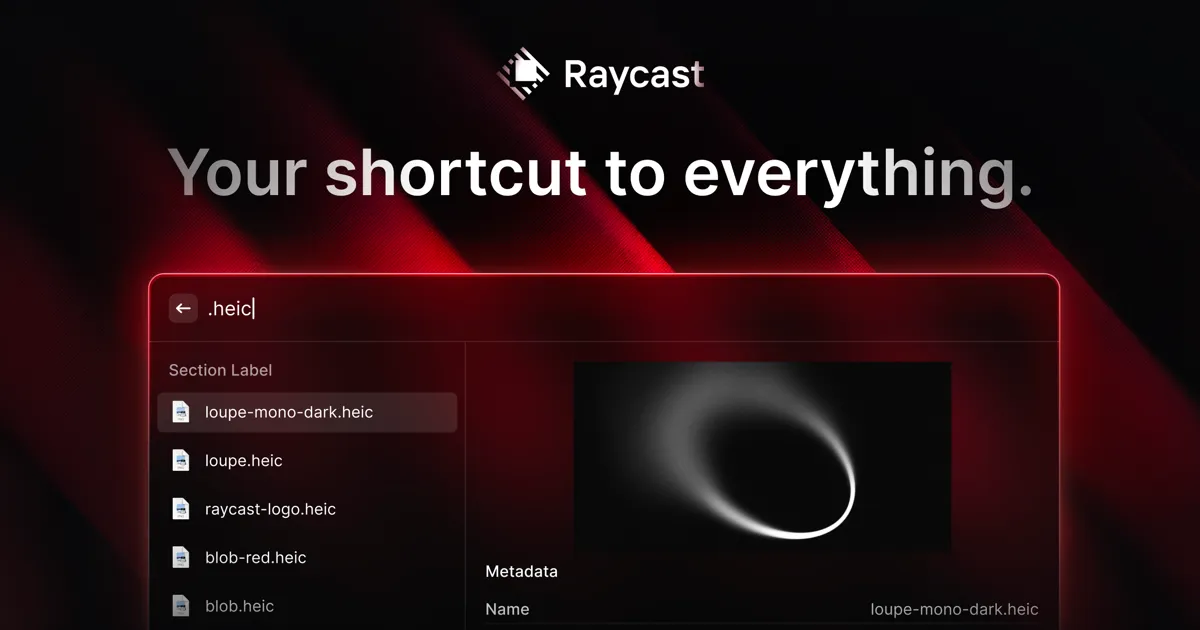
Source: Raycast official site (raycast.com)
Bottom line (up front): If you’re starting fresh on a Mac in 2026, install Raycast — it’s free, fast, and covers 90% of what Alfred does without any payment. If you’ve been on Alfred for years and your Workflows are finely tuned, the switching cost may not be worth it. Never pay for a launcher if all you do is open apps — Spotlight handles that natively.
Is Raycast better than Alfred?
For most users, yes. Raycast ships clipboard history, custom snippets, extension support, window management, and a calculator — all for free, no Powerpack required. Alfred requires a one-time Powerpack purchase (~£34 as of mid-2026, check alfredapp.com for current pricing) to unlock equivalent features. Raycast’s extension directory lists over 1,000 community-built extensions as of 2026 (source: Raycast Store), giving it the larger active ecosystem — see our full Raycast review for hands-on testing notes. Alfred’s Workflows system is more powerful for complex scripting, but the gap has narrowed as Raycast has matured.
Do I need a launcher if I already have Spotlight?
Spotlight is capable but deliberately limited. It indexes files, calculates, opens apps, and surfaces Siri Suggestions — that’s its full scope. It has no clipboard history, no snippets, no extension model, and no cross-service search (GitHub, Linear, Jira, Notion). A dedicated launcher becomes worth it the moment you find yourself repeatedly typing the same strings, copying and repasting the same snippets, or switching context to perform multi-step searches that could live in a single hotkey.
Head-to-head comparison
| Feature | Raycast | Alfred | Spotlight |
|---|---|---|---|
| Price | Free (core); Pro subscription for AI + Teams | Free (basic); ~£34 Powerpack one-time | Free (built into macOS) |
| Extensions / Plugins | 1,000+ in official store | Workflows + Alfred Gallery | None |
| AI commands | Built-in (Pro); AI extensions free | Third-party Workflows only | Siri integration only |
| Clipboard history | Yes (free) | Yes (Powerpack required) | No |
| Snippets | Yes (free) | Yes (Powerpack required) | No |
| Window management | Yes (free, via commands) | No (third-party only) | No |
| File navigation | Good (macOS index) | Excellent (custom index, Fast Search) | Good (Spotlight index) |
| Customization depth | High (themes, layouts, script commands) | Very high (scripting, AppleScript, shell) | Minimal |
| Learning curve | Low–Medium | Medium–High | Minimal |
| Apple Silicon native | Yes | Yes | Yes (system app) |
| Platform | macOS only | macOS only | macOS only |
Who should use each launcher?
Use Raycast if you…
- Are setting up a new Mac and want the best free option
- Want AI commands built into your launcher without extra setup
- Use SaaS tools (Notion, Linear, GitHub, Slack) and want to search them from one hotkey
- Want window management without buying a separate app
Use Alfred if you…
- Have already invested years in Alfred Workflows and see no reason to migrate
- Prefer a one-time payment over any subscription
- Need deep, reliable scripting control (AppleScript, shell, Python) with a mature execution model
- Work in environments where third-party subscriptions are restricted
Use Spotlight if you…
- Mostly open apps and occasionally search files
- Want zero configuration overhead
- Already rely on Siri Suggestions and iCloud integration deeply
Switching from Alfred to Raycast?
The main friction points are: (1) re-creating Workflows as Raycast Script Commands or extensions, (2) rebuilding snippets, and (3) retraining muscle memory for the slightly different UI. Most Alfred power users report the migration takes a few hours of setup and about a week of habit adjustment — after which they typically prefer Raycast’s extension ecosystem and free pricing.
Alfred’s lasting advantages
Alfred still leads in two specific areas. First, file indexing speed and control: Alfred’s custom index with its “Fast Search” toggle is faster and more configurable than the macOS Spotlight index that Raycast relies on. Second, Workflow depth: Alfred Workflows support AppleScript, shell scripts, Python, PHP, and chained logic blocks with a visual editor — this flexibility is genuinely harder to replicate in Raycast Script Commands, which are more developer-oriented.
Raycast AI: what it actually adds
Raycast’s Pro tier includes Raycast AI, which lets you run AI commands (summarize, translate, improve writing, generate code) directly in the launcher, without switching to a browser or another app. Developers looking for more AI in their coding workflow can pair this with tools from our best AI tools for developers guide. As of 2026, it supports multiple underlying models. The free tier of Raycast does not include AI commands, but extensions that call external AI APIs (e.g., OpenAI, Anthropic) are available in the extension store and can be used with your own API key. This distinction matters: you can get a lot of AI functionality in Raycast’s free tier through extensions, but the native polished AI experience requires Pro.
Which tool should you choose?
flowchart TD
  A[Which Mac launcher fits you?] --> B{Setting up a new Mac?}
  B -- Yes --> C[Raycast - free and modern]
  B -- No --> D{Heavy Alfred Workflow investment?}
  D -- Yes --> E[Stay on Alfred]
  D -- No --> F{Need AI commands built in?}
  F -- Yes --> G[Raycast Pro]
  F -- No --> H{One-time payment preferred?}
  H -- Yes --> I[Alfred Powerpack]
  H -- No --> J[Raycast free tier]
FAQ
Is Raycast better than Alfred?
For most users starting fresh in 2026, yes — Raycast’s core features (clipboard history, snippets, extensions) are free, while Alfred’s equivalent features require a ~£34 Powerpack. Raycast’s extension ecosystem is larger and growing faster. Alfred’s edge: scripting depth, one-time pricing, and a mature Workflow engine for complex automations.
Do I need a third-party launcher if I already have Spotlight?
Only if you want clipboard history, custom snippets, web-service search, or automation. Spotlight handles app launches and file search well. Anything beyond that — and a launcher like Raycast earns its place.
Is Raycast free?
The core app is free with no time limit and no usage cap. Pro adds AI features and Teams capabilities via a monthly or annual subscription. Check raycast.com for current pricing.
Can I use Alfred and Raycast together?
Technically yes, but most users find it redundant. Both bind to a global hotkey; pick one and go deep. The common path in 2026 is Alfred → Raycast migration.
Does Raycast work on Apple Silicon Macs?
Yes — Raycast is a native ARM64 app and has run natively on M-series Macs since 2021.
Observations based on hands-on daily use of all three tools on macOS Sequoia. Pricing details verified June 2026 — check current pages before purchasing, as prices and plans change. Last updated: June 24, 2026. Contains affiliate links (disclosure policy).